See the app
From “there's nothing for dinner”
to a tasty meal.
GIMI is built around the way cooking actually happens: decide, check what you've got, plan what you need, then cook one clear step at a time.

1. Decide what sounds good
Big choices first. Details later.
Instead of dropping you into a huge recipe list, GIMI starts with simple visual choices that match how people actually think about dinner.
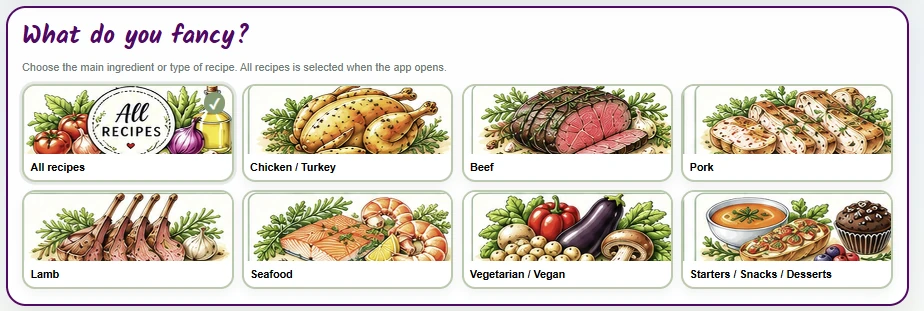
What do you fancy?
Choose a main ingredient or type of recipe without digging through a giant list.
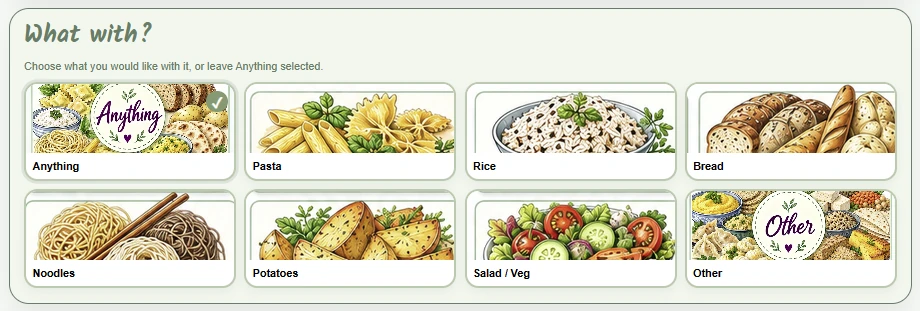
What with?
Narrow the ideas using the sort of choices you would naturally make in the kitchen.
2. Use what you already have
Let the ingredients you have help choose dinner.
The GIMI ingredient matcher can show how much of a recipe you already have covered, so “what can I make?” becomes much easier to answer.
Start with your kitchen
Add what you already have and let GIMI do the matching.
WHAT DO YOU HAVE?
Chicken
OnionRiceMushroomsRed pepper
3 recipes match wellSee how much of each ingredient list you already have.
3. Get quick ideas
Useful suggestions without endless scrolling.
Quick Ideas gives you a small set of sensible options instead of asking you to browse everything every time.
- Visual food categories
- Short, manageable choices
- Works alongside Search, Browse, Can’t Decide? and Surprise Me!
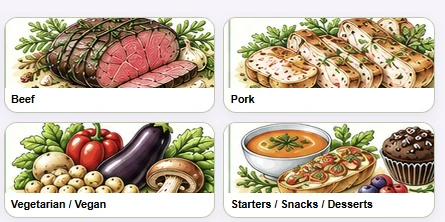
Quick Ideas
Small groups of visual suggestions help you get to a decision faster.
4. Plan before you cook
Keep dinner and the shopping list connected.
Planning and shopping live in the same app, so the useful information doesn't disappear once you've picked a recipe.
MEAL PLANNER
MonFree
TueCottage Pie
WedFree
ThuChicken + Rice
FriFree
SatFree
SunFree
Plant Points this week18 unique plants
SHOPPING LIST
5. Cook one step at a time
Keep the method, ingredients and timers together.
Once you start cooking, the app is designed to reduce the amount you have to remember and hunt for.
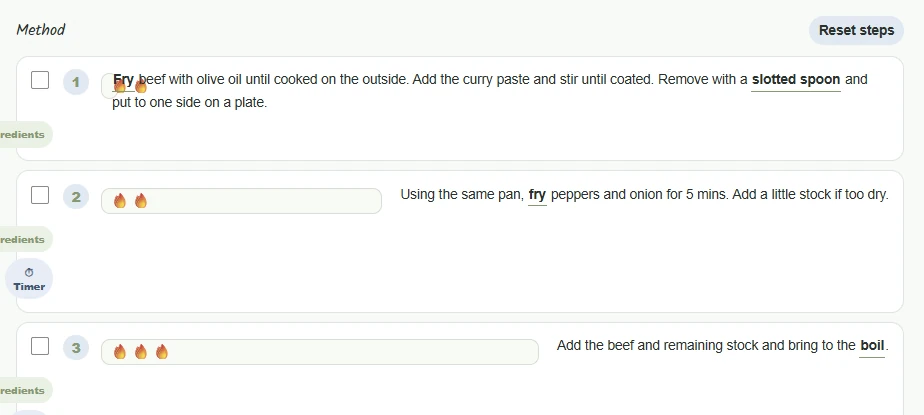
Method steps that keep their context
Ingredients, timers, heat information and cooking help stay close to the step where you need them.

Cooking Guides
How to handle common cooking jobs without overloading every recipe.

Kitchen Know-How
Techniques, equipment and practical kitchen help live in their own easy-to-find area.
6. Get help when you need it
Extra guidance, without turning the recipe into a textbook.
The app keeps practical help close by but out of the way until you want it.
See what's Free and Premium